
Calendar export to Google calendar
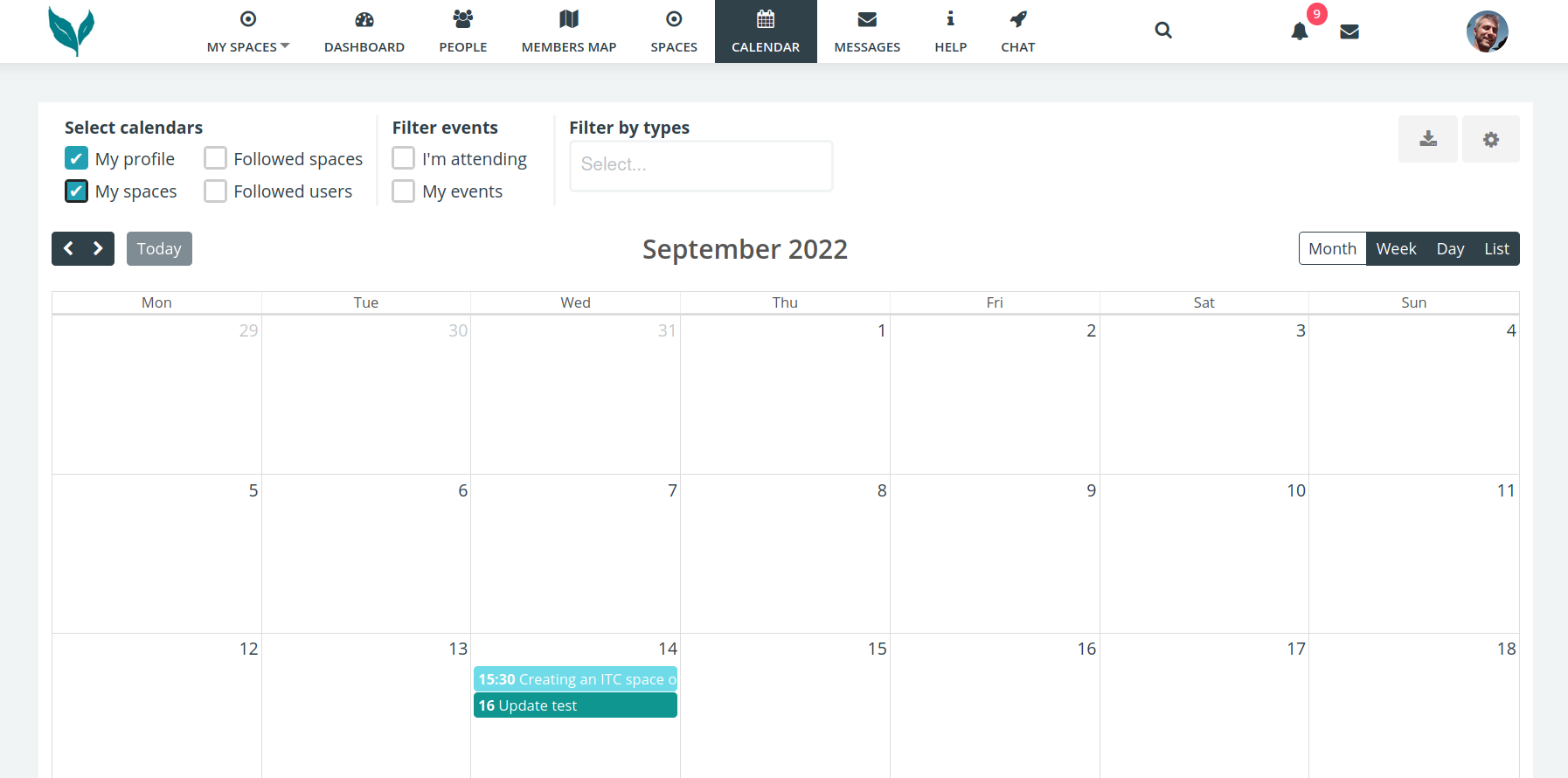
On the main calendar page in the top right click on the download/export icon.
In the Export popup give it a name & tick ‘all my spaces’
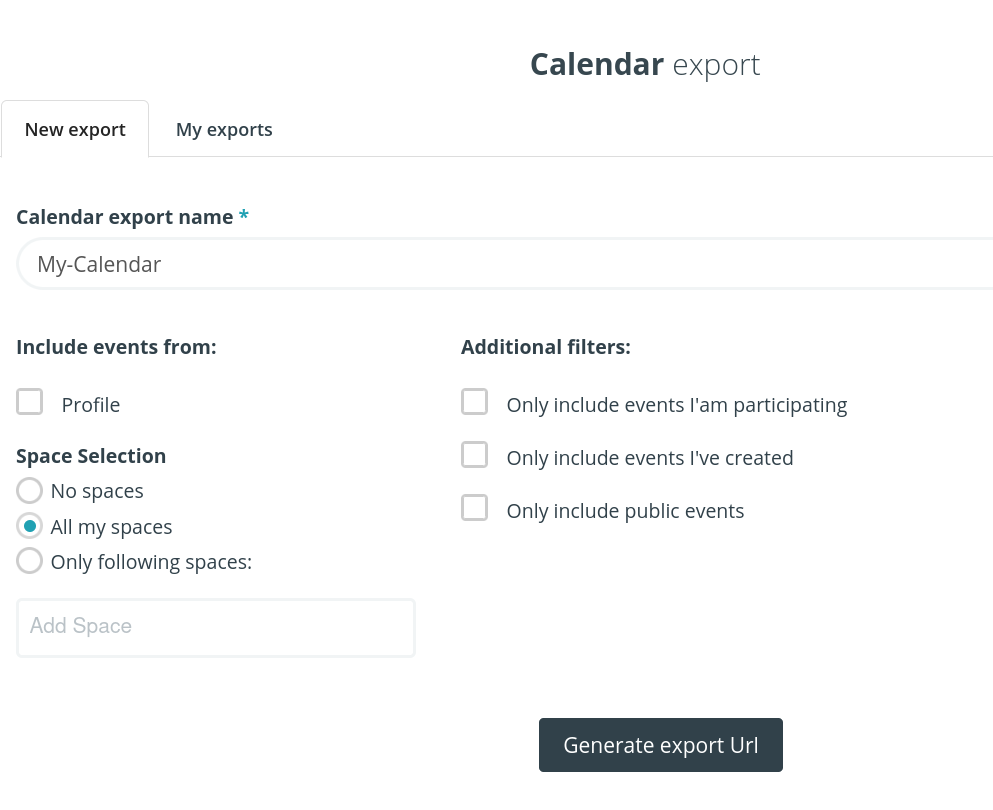
Then click on the Generate export Url button. (URL is another name for a link)

Copy to clipboard.
If you wish to sync with a Google calendar, then visit https://calendar.google.com/
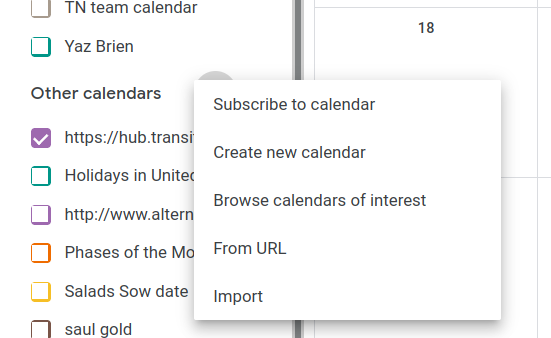
In the left is + icon next to ‘other calendars’

Select ‘from URL’ menu option, into which you paste the URL (link)
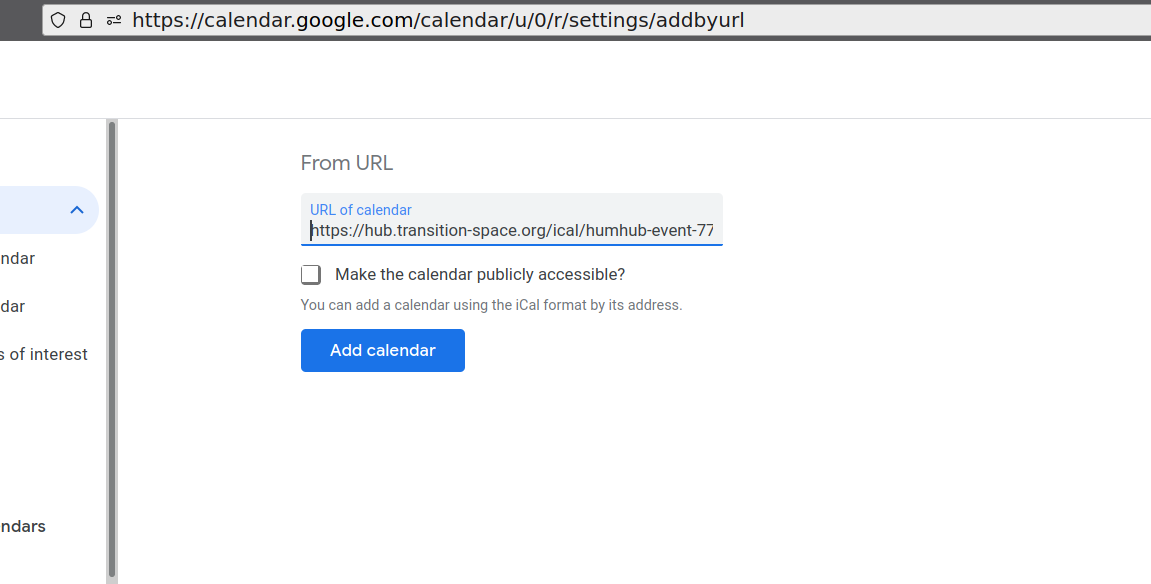
Paste the URL you copied earlier and then click the ‘Add calendar’ button
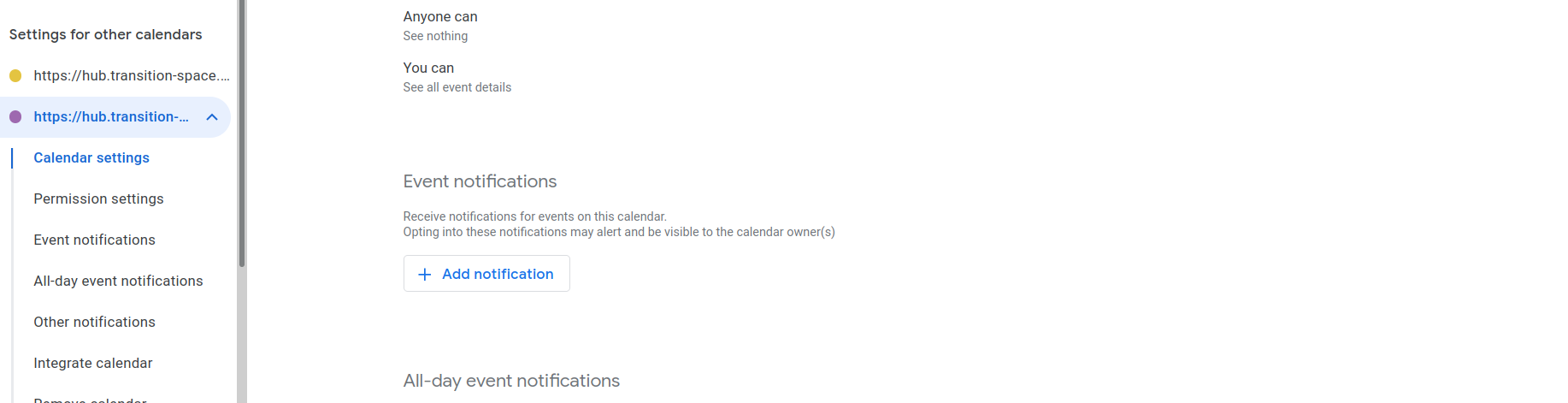
In the left pane you should now see your calendar & be able to adjust notifications if you wish to

So long as the calendar is ‘ticked’ you should now see your hub.transition-space.org events in your Google Calendar