
Apps for mobile

Apps for Android and iOS are under development. The Android app can be installed from the Play store

If you use an Android phone you can now get Vive in your pocket, via the HumHub app!

WhenHere’s askedhow enterto 'do it (text and pictures):

    Go to the Google Play store and search for HumHub, or click this link - https://play.google.com/store/apps/details?id=com.humhub.app
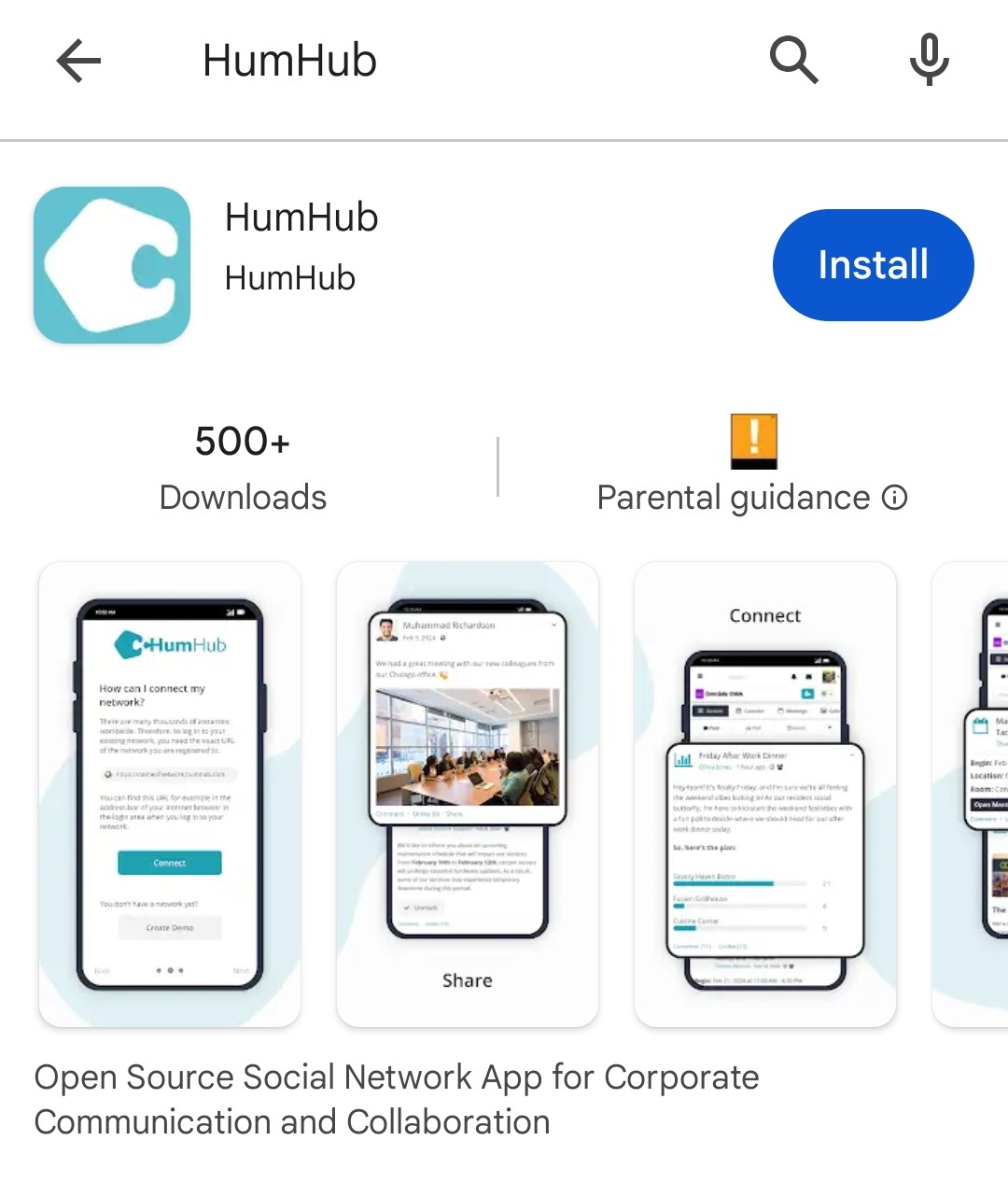
    PU8GBIhcBO8NNpbSrM1dCnwHSgMxAiqDXoH0CPZCqsVoqLpQ2Rtho3COQEhr8Cr52L5exnRvXS0Nuo01XPgp4L6f7YIhKO2oQUP5Cxv_FccTx9Cdq5s-8Tp5qUlSQETQ0us2cGT95e-mRpNEhorB8LU

      Install and Open HumHub

      MDZRKSYLQd9c4xLRC4s6cBaqz5HT_HtOo8sM-Fe4AGDWylEHdMfaN9C51heamlUyF3i3k-fjxAOoA0Fg2f9pkCRMuXhWKgX0US-d46ltDe1fSZKLkb3Mz7TMwk8lvrdMkFblrQACKOm81iLHi-6A7os

        Enter the url - vive.transitiontogether.org.uk asand click Connect

        bAnt4Q9cSgLW3MjnalOKM3jtNTNS7ivQpEQhV-lkb6CQNek-p-T_uJHNYT_ichW2cve2FpSRqTwxmCxccxn0qqIxQY7kuTQMlG3LP3v0MMdQlTgZxxPuzxfvYMM6UsLPIB-ypHfiOATxEg06RsZgRQ4

          Now to log-in to Vive - click on Sign In/ Up

          V1Oy0mF_6UPhu1BlZH8dVp39jwnyGDVPghI8subhfkxcjuGYDZ01LqGbXFWFVkFifY6Oq344DxZ0i4A0z4Hm5h37BJG6rDzUmmCG52xcB8vpDiPlV-Loi2tj14w-oO4isWNaq6sOZUpS3Am3RXLosNE

            Click on Transition Platform ID

            h-A7meczXFn6-XLAMaIIdPDyxTX3SqOe_nZa9lpzNIwcxIai0vqQp9plX5AIP96cfmubf369IKS2aiJcW2tzYI6O1NdVeyp6deV5U8ZQ9MVQ0EGB1ixSUDbCpoRzSN8I8pr_rhHFnd6Pgb-chupyXFQ

              Enter your Email and Password and Sign In - (if you have any problems click on the serverblue namebutton to request our support)

              XWKfGU_3qiKEHFGAInmq-KNY_rGIYFK2kXiwV1IaCrPv1f632U4fpPJkTNcfrK_tDqVl7Z7wpuQgETyffoc9nkU6WtZq9UxYAArgtSbU3Oa4P1yrUjUvvNY8d-Soi5YP39rXMw97Y7FzYLBqGQc2ikA

              You’re in! The HumHub app will remember the Vive url and your login details, so just click on the App and click Connect whenever you want to pop by 🙂


              The iPhone app will be released soon