# Chat (Mattermost)
The chat application is called Mattermost.
# Apps
Mattermost is accessible on a range of devices.
To get started, simply install the Mattermost apps from the official app stores. You can find the download links conveniently located at [https://mattermost.com/apps/](https://mattermost.com/apps/).
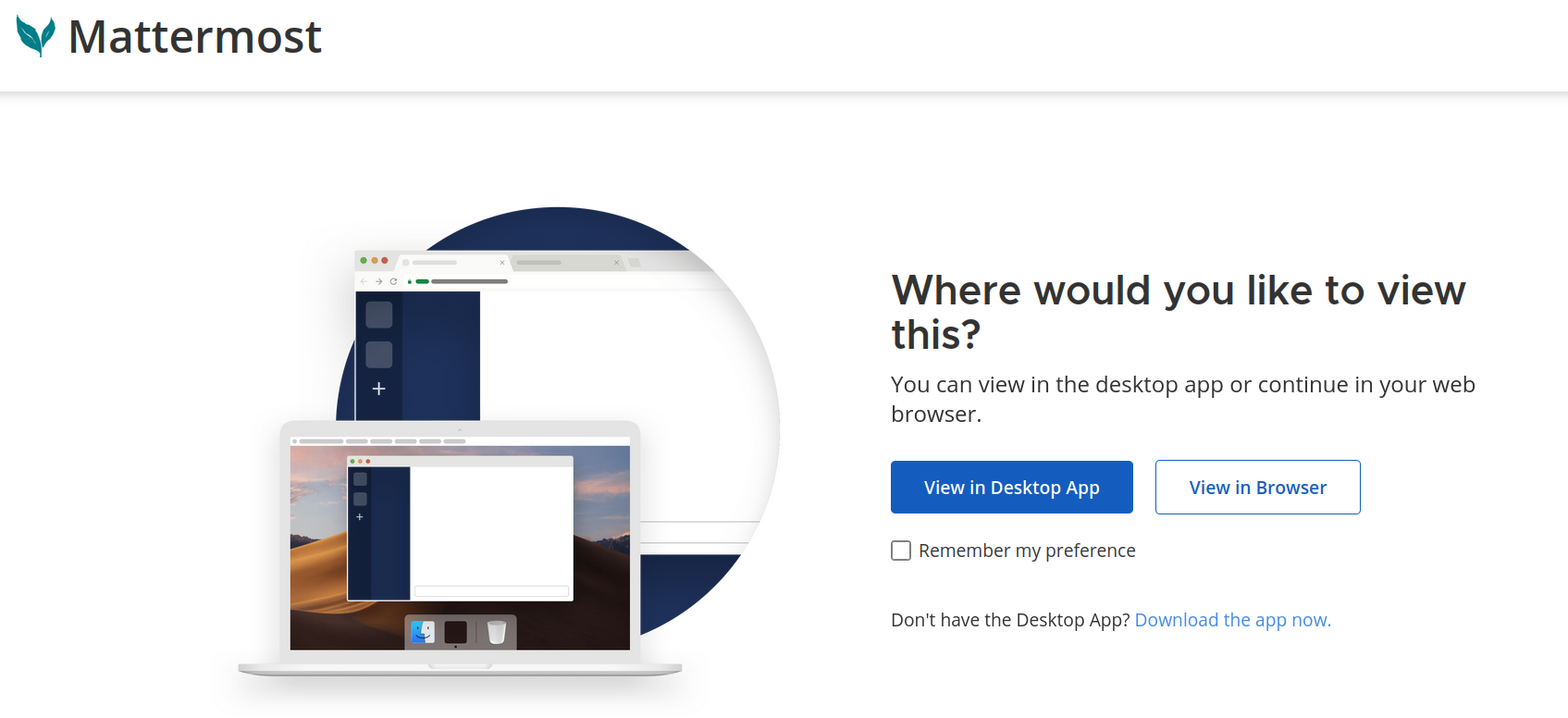
On your initial visit to [https://mattermost.transition-space.org](https://mattermost.transition-space.org), you'll receive prompts guiding you through the app installation process.
[](https://knowledge.transition-space.org/uploads/images/gallery/2023-09/desktop-app.png)
When prompted, please enter the server name as "mattermost.transition-space.org"
While you have the freedom to select any display name, we recommend using the format "firstname-lastname"
The complete the sign in using your[ Transition ID](https://knowledge.transition-space.org/books/passwords-emails/page/transition-id)
# Messages and threads
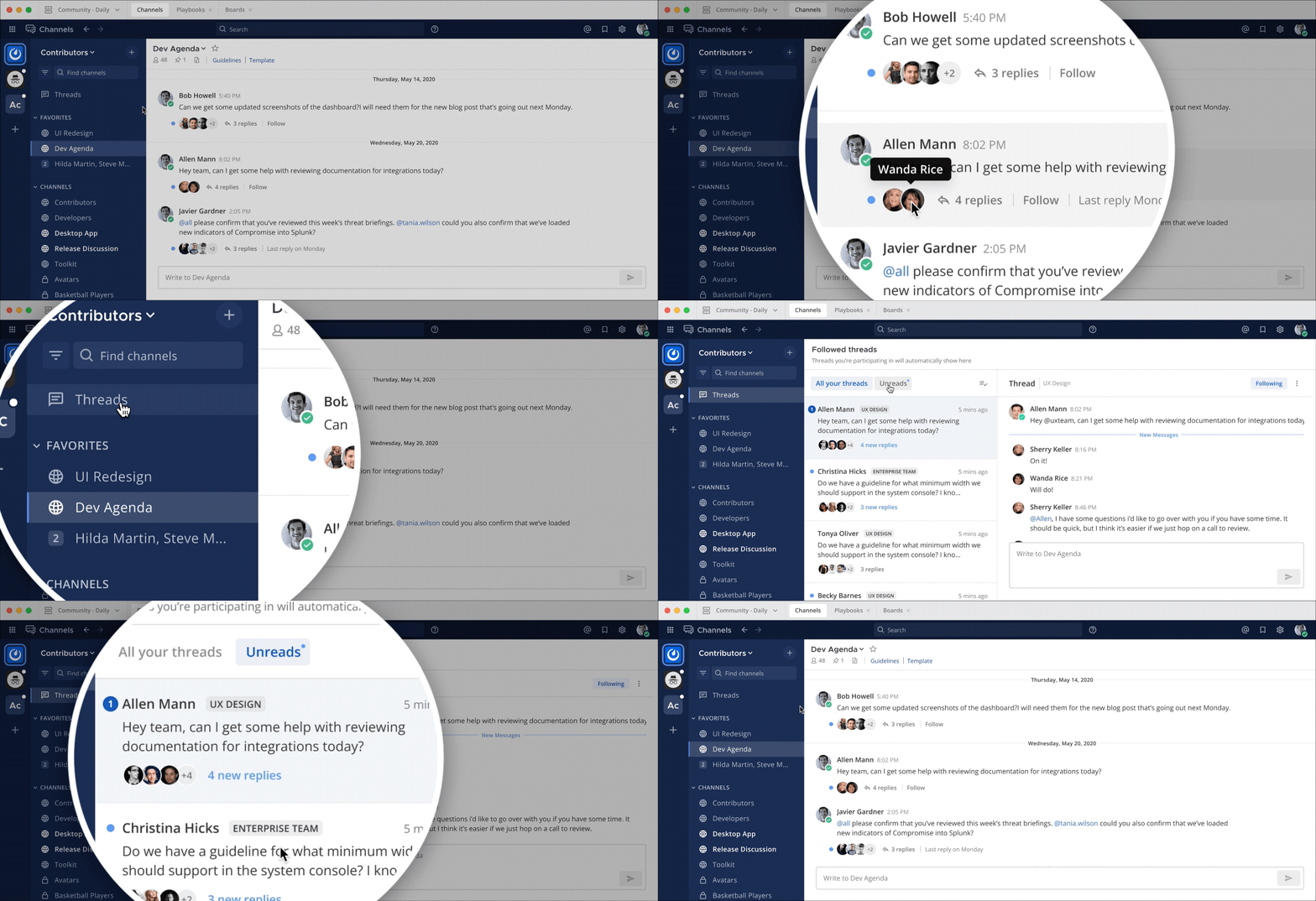
Threads are a key part of the messaging experience in Mattermost. They’re used to organize conversations and enable users to discuss topics without adding noise to channels or direct messages.
Collapsed Reply Threads offers an enhanced experience for users communicating in threads and replying to messages that includes a unified threads inbox to read all conversations in one view. Threads improve the ability to process channel content, find, follow, and resume conversations more easily, and keep threaded conversations focused.
[](https://knowledge.transition-space.org/uploads/images/gallery/2023-10/collapsed-reply-threads.gif)
More information can be found on the [official Mattermost documentation](https://docs.mattermost.com/collaborate/communicate-with-messages.html)
# Channels
Space hosts/ Team admins can create channels within their teams.
Channels work in a similar way to Slack. For further information see this video
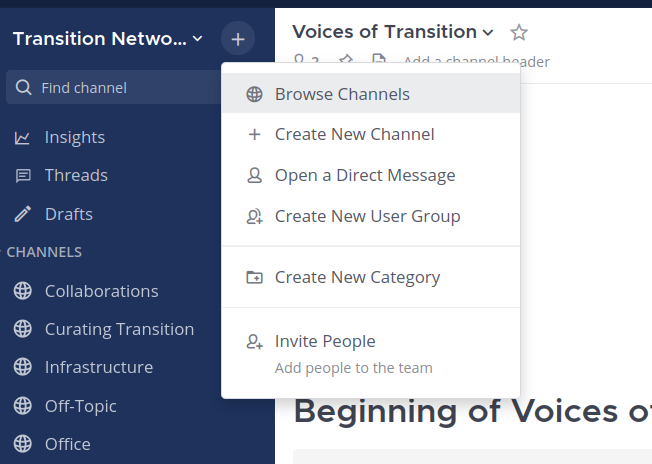
If you would like to browse all of the channels available in your team(s) then you can do that from the '+' icon next to your team name in the top left of the interface.
[](https://knowledge.transition-space.org/uploads/images/gallery/2023-10/browse-channels.png)
Further information can be found in the [official Mattermost documentation](https://docs.mattermost.com/collaborate/collaborate-within-channels.html)
# Groups
- This is a beta feature
- Please consider potential confusion if naming user groups similarly to existing channels or teams
- Custom groups are not visible in the interface unlike teams or channels which are visible
# Teams
Mattermost is organized into teams, serving as digital workspaces where we can collaborate.
Each [Humhub space](https://hub.transition-space.org/spaces?sort=older) that activates Mattermost integration will create a corresponding team within Mattermost.
Membership within Humhub spaces and Mattermost teams is synchronised. This means that when someone is added to a Humhub space, they are automatically included in the corresponding Mattermost Team. Similarly, if someone departs from the Humhub space, they are also removed from the corresponding Mattermost team. This synchronisation ensures that membership remains consistent between the two.
It's possible to belong to multiple teams simultaneously. For instance, you might be a member of both the "Practicing Transition" team and the "Abya yala" team.
You can manage these teams, as they are represented by icons on the left-hand side of the interface. This allows you to easily switch between teams.
[](https://knowledge.transition-space.org/uploads/images/gallery/2023-10/left-team.png)
Not all Humhub spaces have integrated Mattermost. For instance, the "Heart of the Matter" space does not currently have a Mattermost team associated with it.
Further information can be found in the [official Mattermost documentation](https://docs.mattermost.com/collaborate/organize-using-teams.html)
# Guest users
In any given team 'guests' from outside of the team can be added to specific channels
To do this they first need to have the 'guest' status in the default 'users' team. If they have 'Member' status there they cannot be added as guests to other teams.
If you'd like to add a guest to a channel please [open a ticket](https://knowledge.transition-space.org/books/chat-mattermost/page/further-help)
# Notifications
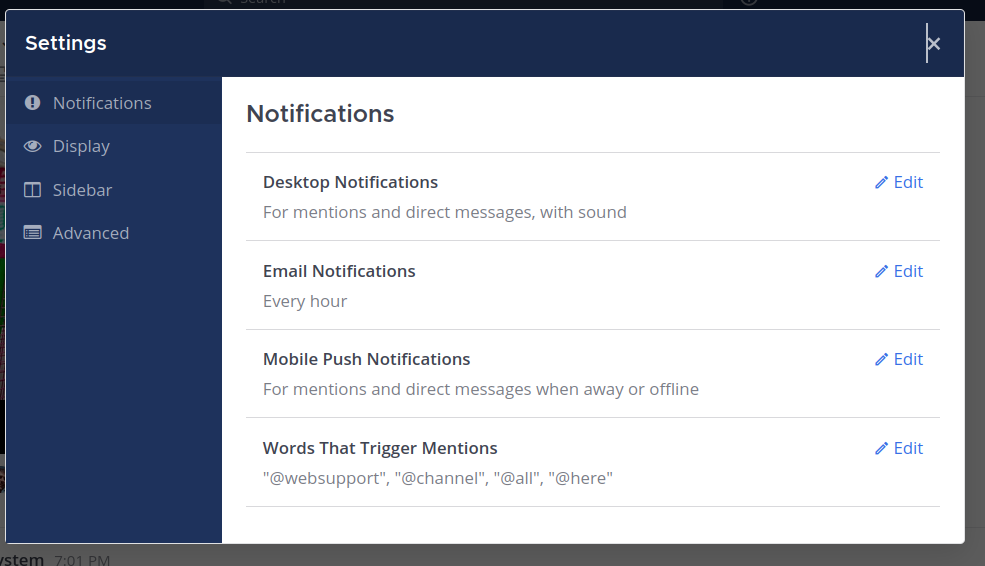
Access the settings from the 'settings cog' in the top right corner
[](https://knowledge.transition-space.org/uploads/images/gallery/2023-09/notifications.png)
The [official Mattermost notification documentation](https://docs.mattermost.com/preferences/manage-your-notifications.html)
# Voice chat
Mattermost currently offers Voice chat.
Further information can be found in the [official Mattermost documentation](https://docs.mattermost.com/collaborate/make-calls.html)
If you would like video calls then ask the Stewarding team about [https://meet.transition-space.org/b](https://meet.transition-space.org/b)
# Space hosts / Team Admins
All space hosts within hub.transition-space.org are automatically assigned the team admin role in Mattermost, empowering them to establish channels within their respective teams.
If you desire a Mattermost space to complement an existing hub.transition-space.org space, please submit your request to the [Platform Stewarding group.](https://knowledge.transition-space.org/books/chat-mattermost/page/further-help)
As a Space host or Team admin in Mattermost, you have the authority to:
1. Create channels within your team.
2. Establish groups within your team.
If you need to remove an individual from a Mattermost team, the procedure is to remove them from the Humhub Space. This action will automatically delete their membership from the corresponding Mattermost team, ensuring seamless management of team memberships.
**Adding people to the TNI team**
To do this you need to be an admin of [https://hub.transition-space.org/s/transition-network/](https://hub.transition-space.org/s/transition-network/)
Invite the user by email to sign up.
Once they have created a platform ID and signed in to the Humhub platform invite them to use this ID to sign into mattermost.transition-space.org and share the documentation with them: [https://knowledge.transition-space.org/books/chat-mattermost/page/apps](https://knowledge.transition-space.org/books/chat-mattermost/page/apps)
# Further help